


Have lots of fond memories you’d like to preserve in a creative way? Would you like to make something special and meaningful for your kids? Good news: you can do both by creating a milestone video. This is an excellent way to celebrate their achievements and simply relive key moments in your family life.
Plus, this project doesn’t require any special skills or pro-grade software. For example, you can edit your video with an automatic program like iMovie for Windows on https://imovie-for-windows.com/. It has an intuitive interface, a huge music library, and tons of eye-catching effects.
In this article, you’ll find a couple of tips that will help you quickly make a heartwarming video. We’ll also recommend handy tools along the way so you can try the tips right away. Now, let’s jump right in!
1. Sort Your Media by Age or Event

When everything is mixed together, it’s easy to lose track of your child’s timeline. Create simple folders labeled by age or by occasion (“First Steps,” “First Day of School”). Later, when you’re editing, this makes it super easy to build a smooth story from beginning to end. You’ll spend less time searching and more time actually creating. Think of it as pre-organizing your future sanity.
2. Film Horizontally & Keep Your Phone Steady

If you’re planning to record some of the videos for your project, you should consider their orientation. One of the easiest ways to make your video look better instantly is to record clips horizontally. It fills the screen nicely and avoids those black bars on the sides.
Additionally, you should try to keep your phone steady—rest your elbows on a table or lean against something if you don’t have a tripod. Even small movements can make a clip feel shaky.
3. Keep Transitions Simple
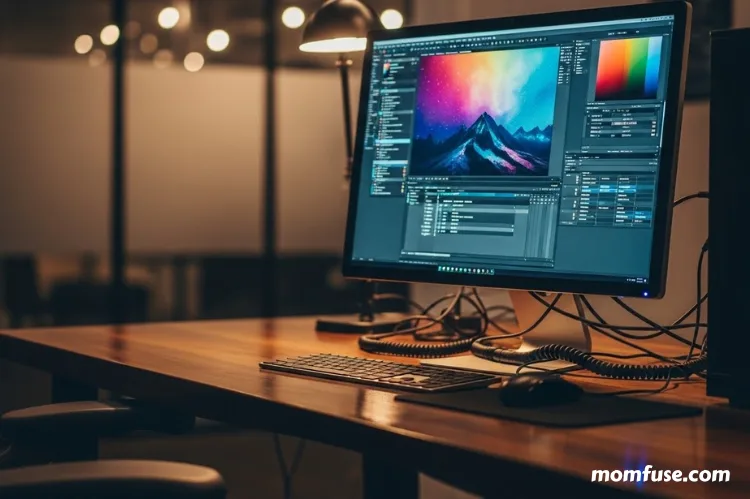
Fancy transitions look tempting at first, but too many can make your video feel like a slideshow from a 2008 family reunion. We recommend sticking to standard effects like simple fades or cuts. Besides, if you use the same transition style throughout the video, you’ll keep it consistent and easy on the eyes. For this task, you can use online tools such as Veed. It’s perfect for quick enhancements like adding transitions to your footage.
4. Set the Mood Using a Soundtrack
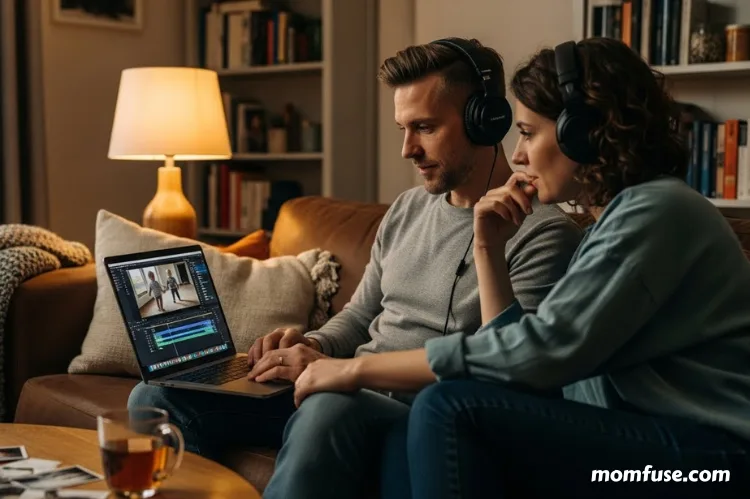
When picking a song for your kid’s milestone video, it’s essential to choose one that matches the needed tone: soft and sentimental, upbeat and cheerful, goofy and fun, whatever fits your child’s personality.
But if you plan to share the video online, it’s better to use royalty-free tracks to avoid awkward “this video has been muted” messages.
Many beginner-friendly editors offer built-in tracks you can use right away. Try adding the music early in your editing process so you can cut clips according to its rhythm. Once you get it done, you’ll see for yourself that videos with synced audio look more professional and have a cinematic feel.
5. Add a Couple of Text Captions
Text captions can help highlight dates, ages, and important moments like “first steps,” “first lost tooth,” or “first day of school.” Just make sure you don’t turn the whole thing into a subtitled lecture.
A popular tool that can help you with this is CapCut. The good thing about it is that CapCut is available for both PC and mobile devices.
When it comes to how the text looks in your video, you can play with simple fonts and clean colors so your labels look cute but still readable (even on a small phone screen!). And if you’re feeling playful, a dash of humor never hurts, like “First haircut: survived by everyone involved.”
6. Add Voiceovers for Personal Touch

Voiceovers can instantly make your milestone video feel warm and intimate. You don’t need a professional mic, though—your phone’s voice recorder works perfectly fine. You can share a quick memory, tell a funny story, or describe what was happening during a particular moment. These snippets make the video feel like you’re guiding your child through their own history. It’s surprisingly emotional without being overly sappy.
7. End With a Quick Recap or Final Highlight

Instead of just letting your video fade out awkwardly, finish with a short recap. Add a closing clip of your child laughing, waving, or doing something very “them.” You can also add a simple message like “Can’t wait for the next adventure!” It feels like a natural ending and gives the video a satisfying final beat.
Summary
To sum things up, creating milestone videos is a fun way to make something you’ll actually rewatch and share. As long as you follow the tips above, you can effortlessly put together a video that feels warm, personal, and true to your family. And don’t worry about perfection—focus on capturing moments that matter. Years from now, you’ll be glad you did!
Read Next: Finding Safe and Supportive Childcare Environments

Jessica Fuqua is a mom of two who writes about the messy, beautiful reality of raising kids. She believes parenting advice should feel like a conversation with a friend, not a lecture. When she’s not writing, she’s probably reheating the same cup of coffee for the third time.